

Simulation
Orbita Blocks
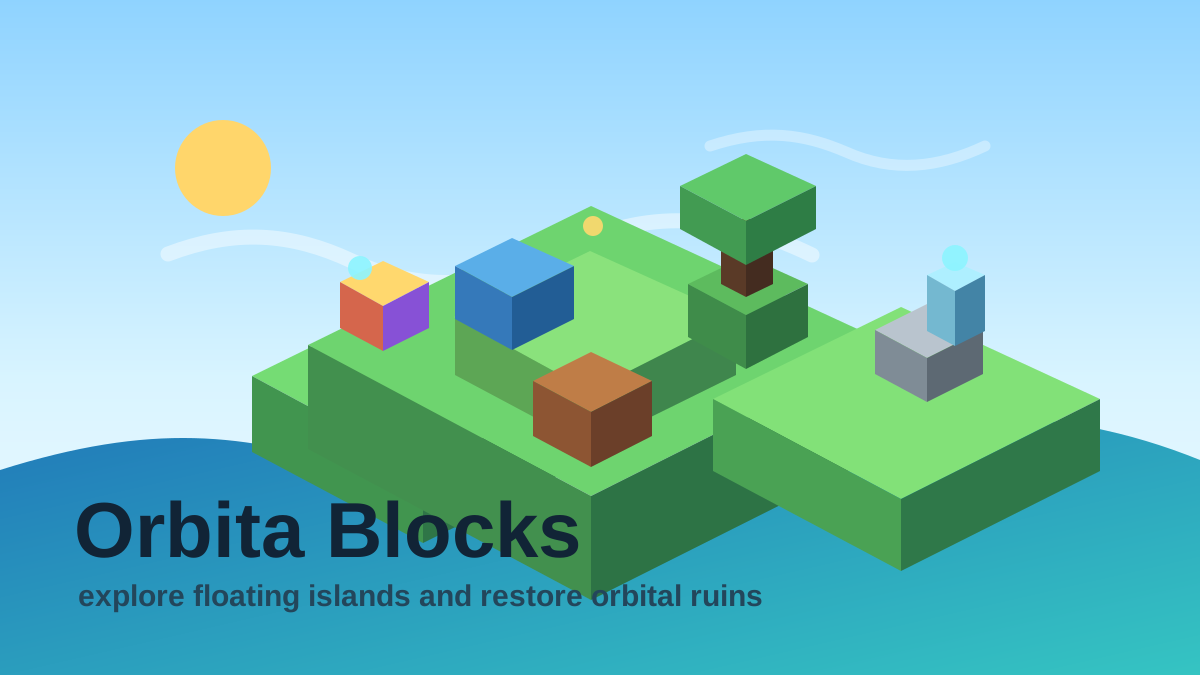
Play Orbita Blocks, an original voxel open-world sandbox with free movement, floating islands, sky bridges, ruin restoration, crystal energy, and an orbital beacon.
Mobile tip: Rotate to landscape before pressing play. Use Play Fullscreen if the game feels cramped.
Touch controls enabled
Drag to aim
Release to throw
Release to throw
Player Challenge
Try a Focused Run
Play Orbita Blocks for five focused minutes, then try one cleaner run with fewer mistakes.
Not completed yet.
Playability Check
How did this run feel?
One tap helps prioritize fixes for loading, controls, and speed.
Daily Result
Run complete
0 points
Your local result is ready.
Your online sync status will appear here.
Keep Playing
Recommended Next
A quick path into another run after this game.
Next Game
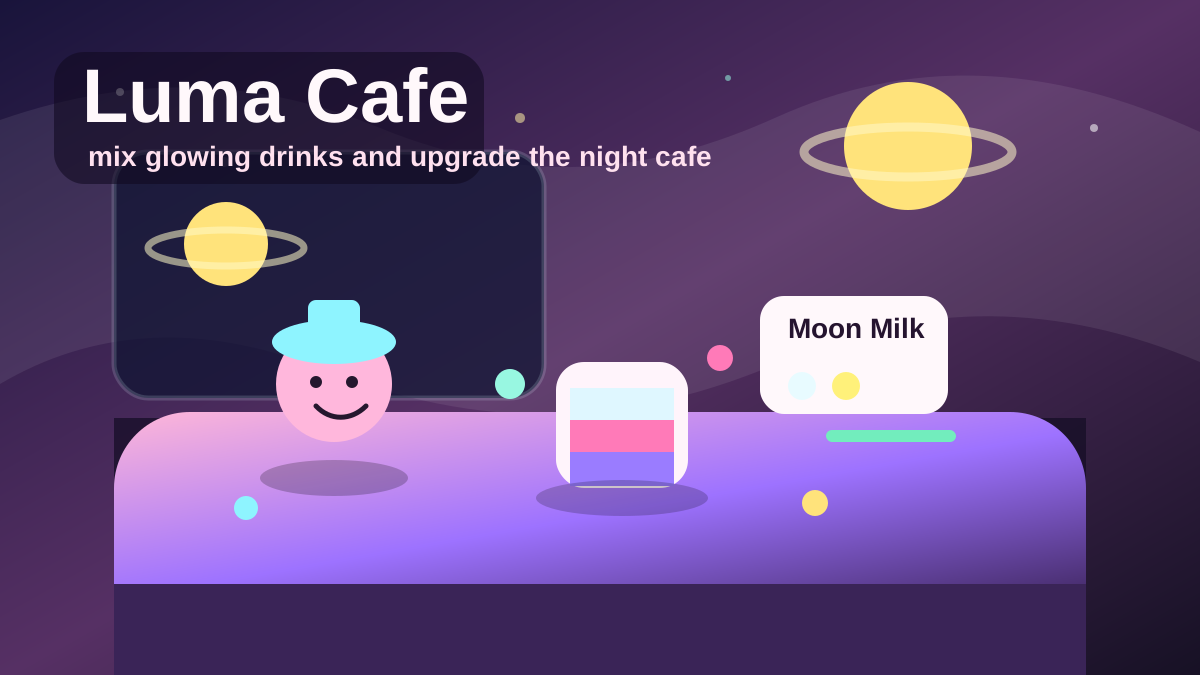
Luma Cafe
Play Luma Cafe, a cozy browser cafe management game where you mix glowing drinks, serve night guests, earn coins, build combo streaks, and upgrade your moonlit shop.
SimulationPlayOrbita Daily
Prism Stack
Score 720 points in a single tower. Centered drops build your combo faster.
Daily challengeContinue Playing
Recently Played
Jump back into games you opened recently on this device.
Open a few games and your recent history will show up here.
Why You'll Like Orbita Blocks
Orbita Blocks is PlayOrbita’s original voxel open-world sandbox: a floating archipelago built for short browser sessions without losing the feeling of discovery. Instead of copying an existing commercial sandbox, it has its own identity: free movement, star-map exploration, crystal energy, orbital beacons, old ruins, sky bridges, and a day-night route across several islands.
You start at a central camp surrounded by separate floating landmasses. Each island has a slightly different role: meadow terrain for early resources, stone ridges for tougher building material, sandy edges for bridge routes, crystal outcrops for energy, forest clusters for wood, and ruined nodes that can be restored with crafted blocks. The camera follows the player smoothly, so the world feels larger while still staying readable on desktop and mobile.
The open-world route now asks you to map new land, collect wood, build sky bridges, harvest crystal energy, repair old ruins, and raise the orbital beacon. The checklist gives new players a path, but the world remains flexible: you can mine alternate routes, make towers, connect islands, light landmarks, or reset and try a faster expedition.
Why this open world works in a browser
Orbita Blocks keeps the world big enough to explore but compact enough to load instantly. The star-map panel in the corner shows explored terrain, crystals, ruins, lanterns, and your current position. The survey tool expands nearby map visibility, while free movement makes the archipelago feel less like a board and more like a small world.
Open-world route
Start by mining wood near camp, then use dirt, wood, or stone to bridge toward the nearest outer island. Use the world map to choose a direction: crystal nodes are good for energy progress, ruins are good for restoration progress, and forests are best when you need more building material.
First expedition plan
A reliable first route is wood, bridge, crystal, ruin. Mine enough wood to cross one gap, build a simple bridge, survey the next island, then decide whether the visible crystal or ruin is closer. Mark the path with lanterns if night is approaching so the return route stays readable.
Ruins and orbital beacon
Ruins are restored by placing useful crafted blocks such as lanterns, glass, crystals, or the beacon near old stone structures. Once you have enough mapped terrain and resources, build a visible platform and raise the orbital beacon as the final landmark.
Editorial QA notes
Orbita Blocks is the safest sandbox candidate because it is original, source-attributed, and has enough mechanics to support real guide content. The page should lean into exploration, building routes, crystal energy, ruin restoration, and the orbital beacon goal.
Mobile experience
Touch controls are usable for slower exploration, mining, and building. Desktop keyboard remains better for long bridge routes and camera rotation. On small screens, use the map often so you do not lose the route back to camp.
Troubleshooting
If mining or building does nothing, check that the correct mode is active and that the highlighted tile is adjacent. If the world feels blocked, use survey/map tools before digging out the starting island.
Why this version is safe to feature
Orbita Blocks uses a generic voxel-sandbox idea with original name, world, assets, and objectives. It should replace riskier branded sandbox keywords in homepage and collection links.
How to Play
- Move: Hold WASD or the arrow keys for smooth free movement. On-screen buttons nudge your explorer in that direction on touch devices.
- Change mode: Press 1 for Move, 2 for Mine, and 3 for Build. You can also use the mode buttons on screen.
- Mine: Face a nearby highlighted block and press Space, Enter, or the Mine button to collect it.
- Build: Select a block from the hotbar, face a nearby empty tile, and press Space, Enter, or the Build button to place it.
- World map: Use the map in the upper-right corner to track explored islands, crystal nodes, ruins, lanterns, and your position.
- Survey tool: Tap Map to reveal nearby terrain on the star chart.
- Ruins: Place lanterns, glass, crystals, or a beacon near old stone structures to restore them.
- Rotate view: Press Q or E to rotate the isometric camera.
- Save / reset: Progress saves automatically. Use the pause menu to reset the world if you want a fresh route.
Tips and Strategy
- Mine wood first because it is useful for early sky bridges and towers.
- Use the world map before walking too far; crystals and ruins are easier to plan from above.
- Build short bridges between floating islands instead of digging out your camp.
- Place lanterns along long routes so night travel stays readable.
- Restore ruins with glass or lanterns before placing the final beacon.
- Raise the beacon on high ground so it becomes a landmark across the archipelago.
- Switch back to Move mode after building so accidental taps do not place extra blocks.
- Keep a small supply of simple blocks before crossing to a new island.
More Ways to Play
Browse Related Collections
Keep exploring by play style, controls, and search intent connected to Orbita Blocks.
Free Browser Games
Play free browser games that open directly in the page, with quick starts, clear categories, and no launcher required.
12 gamesNo Download Games
Find games you can play online without downloads, installs, app stores, or separate launchers.
12 gamesHTML5 Browser Games
Browse HTML5 browser games that run through modern web technology instead of plugins or native launchers.
12 gamesPuzzle Sandbox Games
Play open-ended puzzle games built around combinations, discovery, logic, and creative experimentation.
1 gamesKeep Exploring
Similar Games
Looking for more Simulation games? These pages are the closest next clicks from here.
Simulation
Luma Cafe
Play Luma Cafe, a cozy browser cafe management game where you mix glowing drinks, serve night guests, earn coins, build combo streaks, and upgrade your moonlit shop.
Editor Pick
Racing
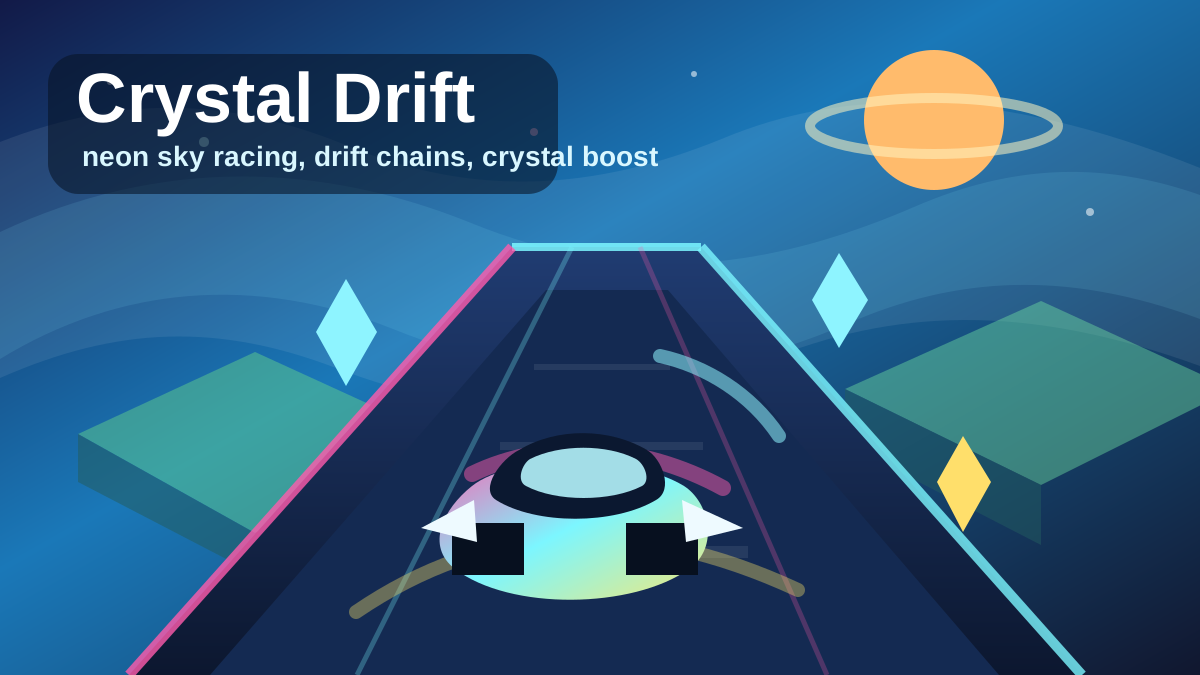
Crystal Drift: Sky Racer
Play Crystal Drift: Sky Racer, an original neon browser racing game where you drift across floating sky tracks, collect crystals, chain boost pads, and chase a 60-second high score.
Editor Pick
Action
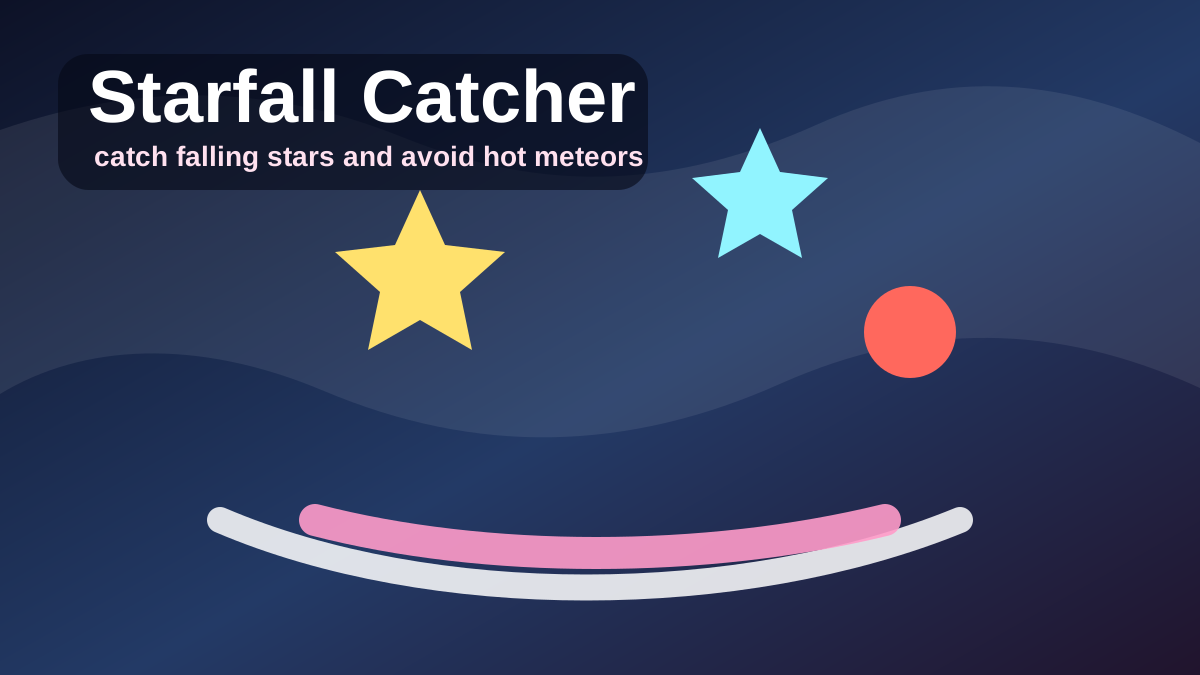
Starfall Catcher
Play Starfall Catcher, a cozy arcade game where you slide a moon tray, catch falling stars, avoid hot meteors, and build a gentle high-score combo.
Editor Pick
Puzzle
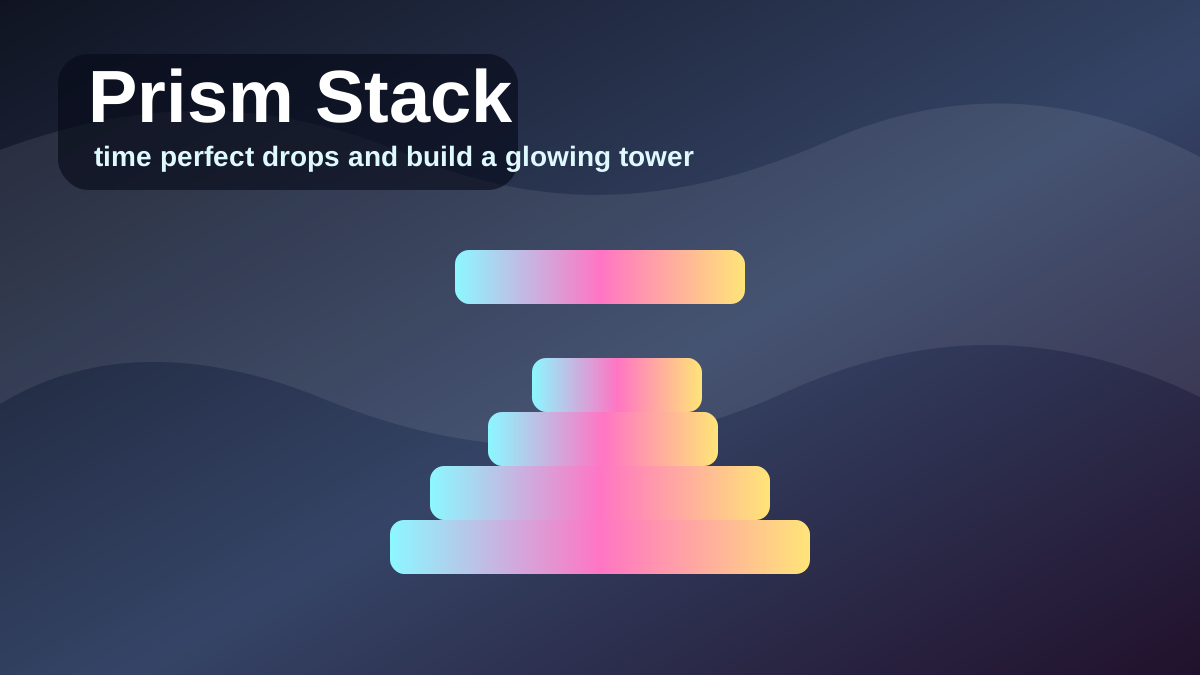
Prism Stack
Play Prism Stack, a one-tap precision tower game where you drop moving prism blocks, line up perfect stacks, and build a glowing high-score tower.
Editor Pick
Action
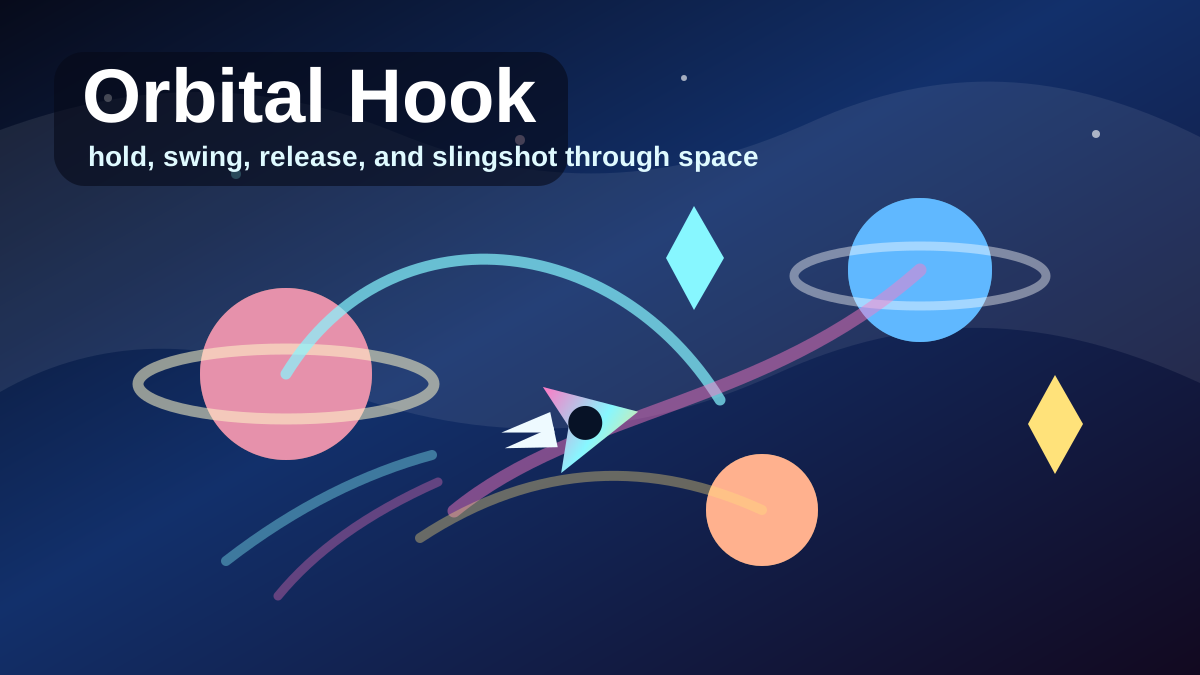
Orbital Hook
Play Orbital Hook, a one-touch space swinging game where you hook planets, release into slingshots, collect crystals, pass neon gates, and chase a long-distance high score.
Editor Pick
Action
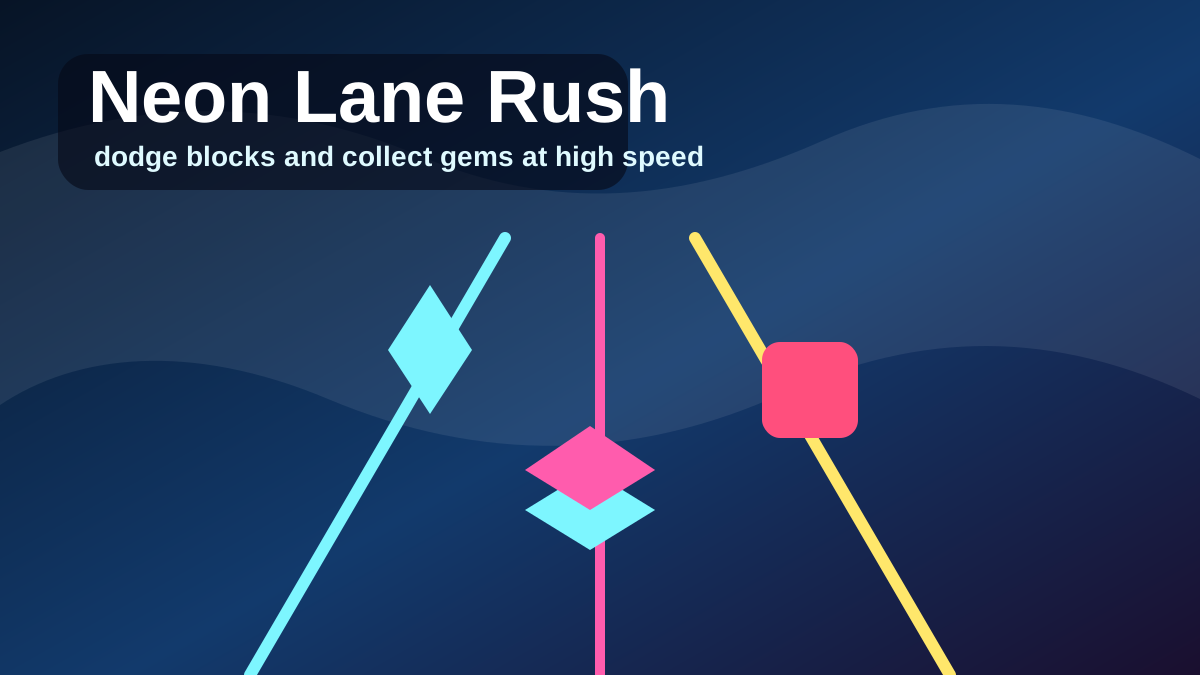
Neon Lane Rush
Play Neon Lane Rush, a fast three-lane reflex runner where you dodge neon blocks, collect cyan gems, build combo, and chase a short-session high score.
Editor Pick
FAQ
Common Questions
What is Orbita Blocks?
Orbita Blocks is an original PlayOrbita voxel open-world sandbox game. You explore a floating archipelago, mine resources, place blocks, discover crystals, repair ruins, and complete orbital beacon objectives directly in the browser.
Is Orbita Blocks related to Minecraft or Mini World?
No. Orbita Blocks is an original browser game inspired by the general voxel sandbox genre. It uses its own name, art, map, rules, and implementation.
How do I move in Orbita Blocks?
Use WASD or the arrow keys on desktop for smooth free movement. On mobile, use the on-screen movement buttons and action buttons below the game.
How do I build and mine?
Switch between Move, Mine, and Build modes. Mine removes the highlighted nearby block and adds resources to your inventory. Build places the selected block on a nearby empty tile.
Does Orbita Blocks save progress?
Yes. Your island state, inventory, selected block, day cycle, and completed objectives are saved locally in your browser.
What is the goal?
Map the floating lands, collect wood, build sky bridges, gather crystal energy, restore old ruins with crafted blocks, and raise the orbital beacon.
What should I do first?
Start by mining wood near camp, then build a short bridge to the nearest island. After that, use the map to choose whether to chase crystals, ruins, or more building material.