

Simulation
Luma Cafe
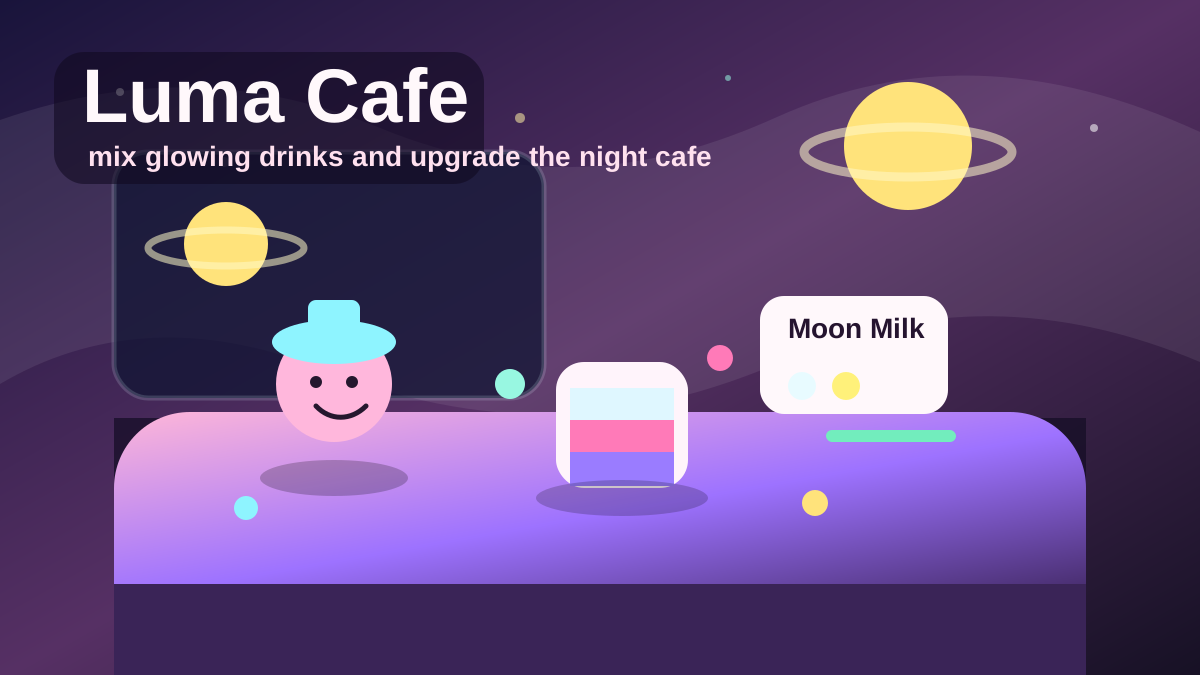
Play Luma Cafe, a cozy browser cafe management game where you mix glowing drinks, serve night guests, earn coins, build combo streaks, and upgrade your moonlit shop.
Mobile tip: Rotate to landscape before pressing play. Use Play Fullscreen if the game feels cramped.
Touch controls enabled
Drag to aim
Release to throw
Release to throw
Player Challenge
Try a Focused Run
Play Luma Cafe for five focused minutes, then try one cleaner run with fewer mistakes.
Not completed yet.
Playability Check
How did this run feel?
One tap helps prioritize fixes for loading, controls, and speed.
Daily Result
Run complete
0 points
Your local result is ready.
Your online sync status will appear here.
Keep Playing
Recommended Next
A quick path into another run after this game.
Next Game
Bloom Merge
Play Bloom Merge, a cozy merge drop browser game where you drop matching blooms, grow rarer flowers, manage the overflow line, and chase a glowing garden high score.
PuzzlePlayOrbita Daily
Prism Stack
Score 720 points in a single tower. Centered drops build your combo faster.
Daily challengeContinue Playing
Recently Played
Jump back into games you opened recently on this device.
Open a few games and your recent history will show up here.
Why You'll Like Luma Cafe
Luma Cafe is an original cozy cafe management game for instant browser play. Instead of chasing speed or combat, it focuses on the satisfying loop of reading an order, mixing the right glowing ingredients, serving a happy guest, and using the coins to make your moonlit shop prettier.
Each guest arrives with a recipe bubble. Select the ingredients in any order, serve the drink, and try to keep the customer’s patience high. Fast, accurate service earns more coins and builds a combo streak. Mistakes reduce patience and reset momentum, so the best runs feel calm but focused.
Why it works as a browser game
Luma Cafe is built around short days, large touch-friendly buttons, clear recipes, and visible upgrades. It is light enough to load quickly, but it still has a rich identity: pastel night skies, glowing drinks, friendly guests, decorative lanterns, plants, music, and local progress saving.
Cafe progression
Coins unlock upgrades such as Lanterns, Glow Plants, and Moon Jazz. Upgrades give the cafe a stronger visual personality and help each day feel more rewarding. Reputation grows as you serve guests, and new drink recipes appear as the cafe advances through later days.
Better service tips
Watch the recipe bubble first, then tap ingredients deliberately. Clearing a wrong cup is faster than serving the wrong drink. If a customer is low on patience, complete the recipe instead of experimenting. Combo streaks are valuable because they multiply coin rewards.
Upgrade route
Spend early coins on upgrades that make the next day easier before chasing decoration alone. Once you can read recipes quickly, decorative upgrades become more rewarding because you are already earning coins steadily. The best rhythm is accuracy first, combo second, upgrades third.
Editorial QA notes
Luma Cafe is a retention-friendly original page because it has local progress, visible upgrades, short day cycles, and a cozy management loop. The content should help players understand recipe reading, combo preservation, and upgrade value.
Mobile experience
The ingredient buttons are large enough for touch play. Read the recipe bubble first, then tap ingredients deliberately. On desktop, number keys are faster, but mobile players can still maintain combos by clearing mistakes quickly.
Troubleshooting
If the wrong drink is selected, use Clear before serving instead of guessing. If progress is gone, local storage was likely cleared or the game was opened in another browser profile.
Why this version is safe to feature
The cafe theme, recipe set, progression, and art direction are first-party PlayOrbita work. It can anchor cozy/management internal links without depending on a protected brand.
How to Play
- Read the order: Each customer shows a drink recipe in the bubble.
- Choose ingredients: Tap ingredient buttons or press number keys 1-7.
- Serve: Press Serve or Enter when the cup matches the recipe.
- Clear: Press Clear or Backspace if you selected the wrong ingredients.
- Earn coins: Fast service and combo streaks increase rewards.
- Upgrade: Spend coins on Lanterns, Glow Plants, and Moon Jazz.
- Goal: Serve as many happy guests as possible before the day ends.
Tips and Strategy
- Ingredients can be selected in any order as long as the final set matches the recipe.
- Keep an eye on the patience bar below each order.
- Build combo by serving correct drinks in a row.
- Buy upgrades early because they make the cafe more rewarding across days.
- Use keyboard numbers on desktop for faster service.
- Clear the cup immediately if you tap the wrong ingredient.
- Read the whole recipe before tapping ingredients; order does not matter, accuracy does.
- Use Clear immediately after a mistake so the next customer does not inherit the delay.
More Ways to Play
Browse Related Collections
Keep exploring by play style, controls, and search intent connected to Luma Cafe.
Free Browser Games
Play free browser games that open directly in the page, with quick starts, clear categories, and no launcher required.
12 gamesNo Download Games
Find games you can play online without downloads, installs, app stores, or separate launchers.
12 gamesHTML5 Browser Games
Browse HTML5 browser games that run through modern web technology instead of plugins or native launchers.
12 gamesUnblocked Browser Games
Play browser games that start quickly without installers, app stores, or account setup.
10 gamesKeep Exploring
Similar Games
Looking for more Simulation games? These pages are the closest next clicks from here.

Puzzle
Bloom Merge
Play Bloom Merge, a cozy merge drop browser game where you drop matching blooms, grow rarer flowers, manage the overflow line, and chase a glowing garden high score.
Editor Pick

Simulation
Orbita Blocks
Play Orbita Blocks, an original voxel open-world sandbox with free movement, floating islands, sky bridges, ruin restoration, crystal energy, and an orbital beacon.
Editor Pick

Action
Starfall Catcher
Play Starfall Catcher, a cozy arcade game where you slide a moon tray, catch falling stars, avoid hot meteors, and build a gentle high-score combo.
Editor Pick
Puzzle
Prism Stack
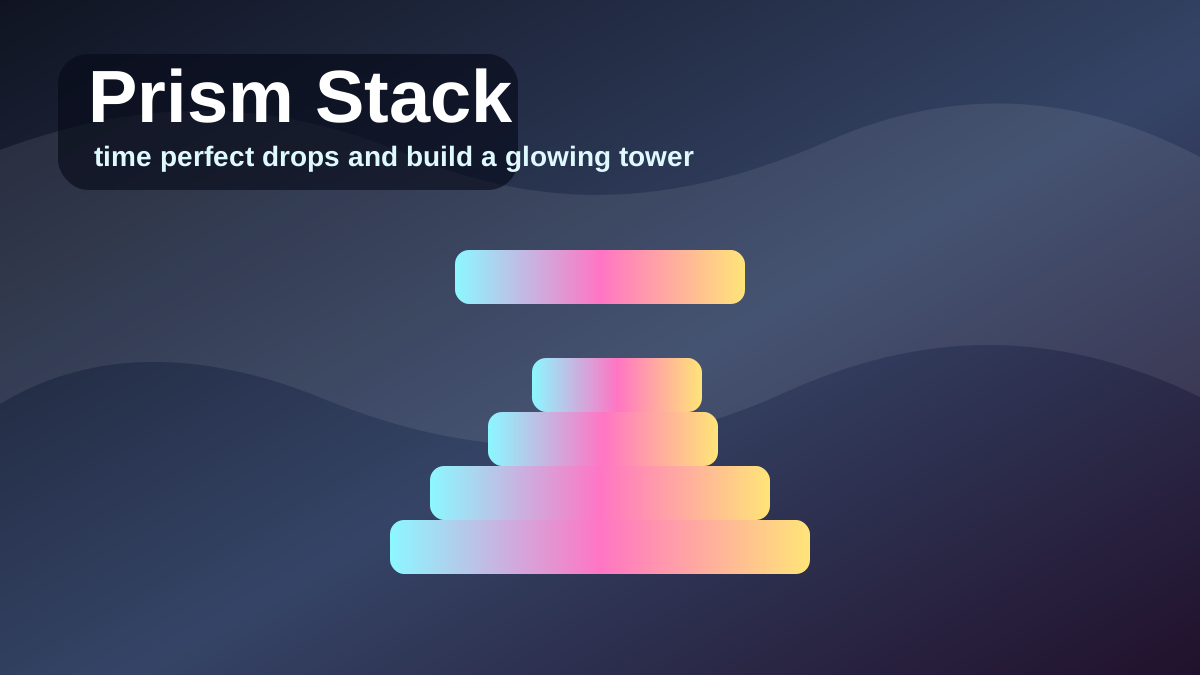
Play Prism Stack, a one-tap precision tower game where you drop moving prism blocks, line up perfect stacks, and build a glowing high-score tower.
Editor Pick

Action
Orbital Hook
Play Orbital Hook, a one-touch space swinging game where you hook planets, release into slingshots, collect crystals, pass neon gates, and chase a long-distance high score.
Editor Pick
Action
Neon Lane Rush
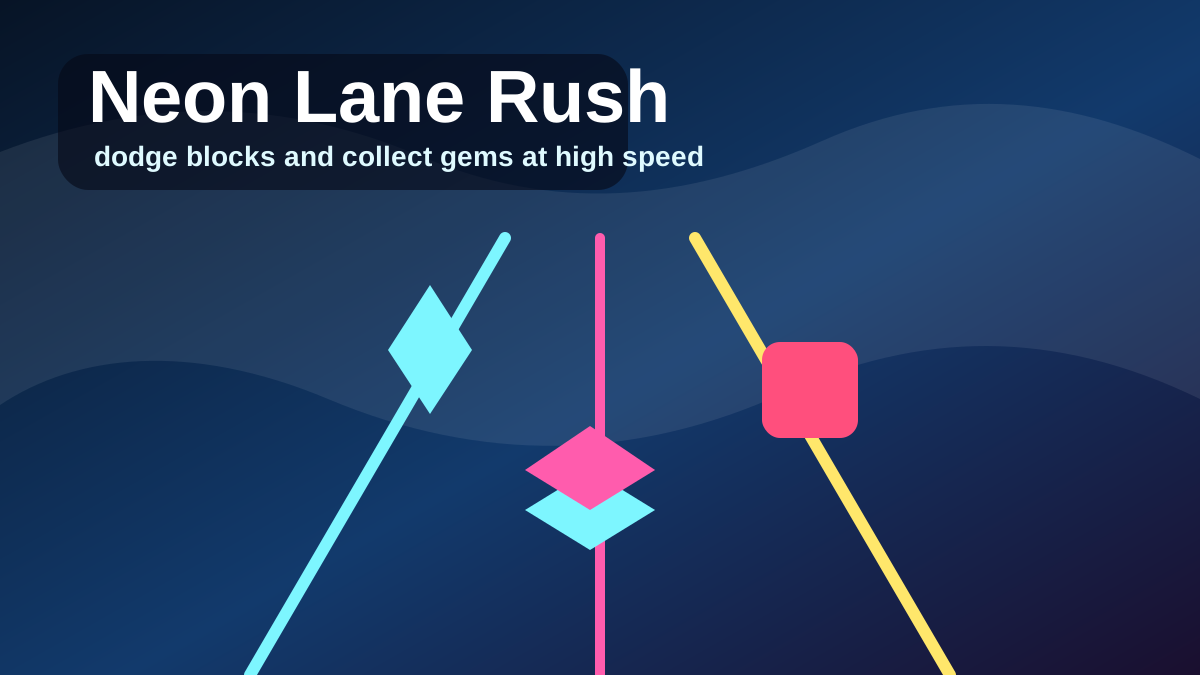
Play Neon Lane Rush, a fast three-lane reflex runner where you dodge neon blocks, collect cyan gems, build combo, and chase a short-session high score.
Editor Pick
FAQ
Common Questions
What is Luma Cafe?
Luma Cafe is an original PlayOrbita cozy management game. You run a moonlit cafe, mix glowing drinks from ingredients, serve guests before their patience runs out, earn coins, and upgrade the shop.
How do I make drinks?
Look at the customer's recipe bubble, select the matching ingredients, then press Serve. You can also use number keys for ingredients and Enter to serve.
What do upgrades do?
Upgrades decorate the cafe and improve the run. Lanterns, glow plants, and moon jazz make the cafe feel richer, while some upgrades help guests stay patient longer.
Which upgrade should I buy first?
Start with upgrades that make the cafe easier to manage, then buy decorative upgrades once you can serve recipes consistently without breaking combo.
Does Luma Cafe save progress?
Yes. Coins, reputation, unlocked upgrades, and seen recipes are saved locally in your browser.
Is Luma Cafe good on mobile?
Yes. The game is designed with large ingredient and serve buttons so it works with touch controls as well as keyboard controls.