

Action
Neon Lane Rush
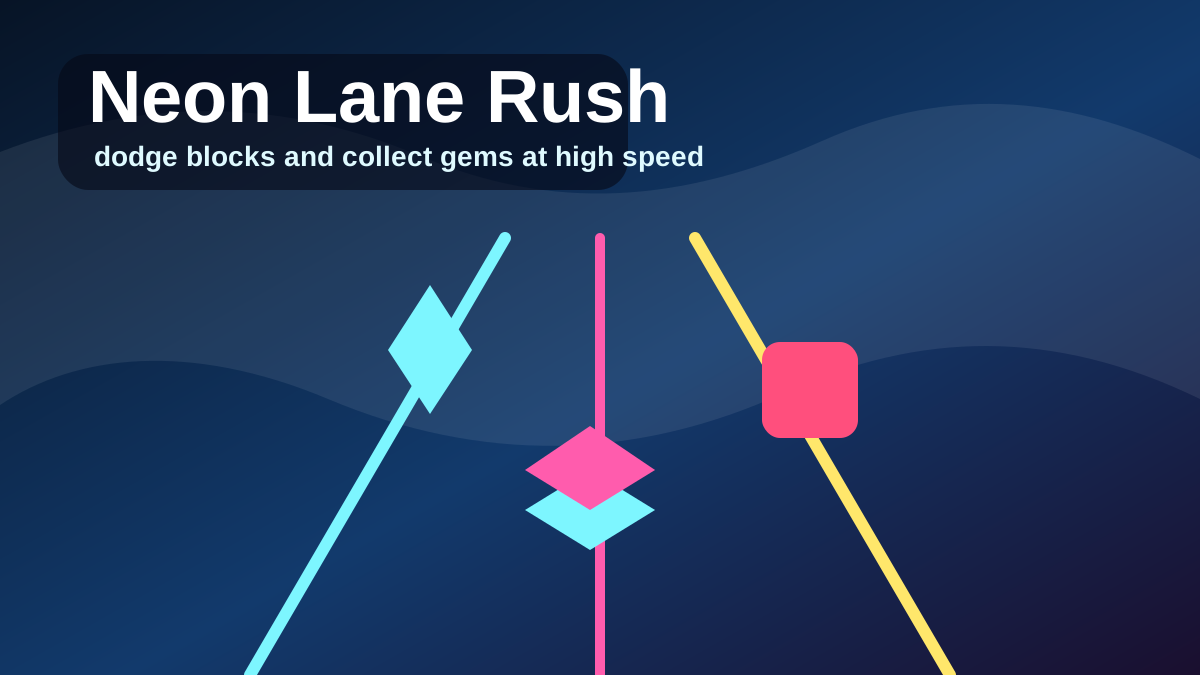
Play Neon Lane Rush, a fast three-lane reflex runner where you dodge neon blocks, collect cyan gems, build combo, and chase a short-session high score.
Mobile tip: Rotate to landscape before pressing play. Use Play Fullscreen if the game feels cramped.
Touch controls enabled
Drag to aim
Release to throw
Release to throw
Player Challenge
Try a Focused Run
Play Neon Lane Rush for five focused minutes, then try one cleaner run with fewer mistakes.
Not completed yet.
Playability Check
How did this run feel?
One tap helps prioritize fixes for loading, controls, and speed.
Daily Result
Run complete
0 points
Your local result is ready.
Your online sync status will appear here.
Keep Playing
Recommended Next
A quick path into another run after this game.
Next Game
Starfall Catcher
Play Starfall Catcher, a cozy arcade game where you slide a moon tray, catch falling stars, avoid hot meteors, and build a gentle high-score combo.
ActionPlayOrbita Daily
Prism Stack
Score 720 points in a single tower. Centered drops build your combo faster.
Daily challengeContinue Playing
Recently Played
Jump back into games you opened recently on this device.
Open a few games and your recent history will show up here.
Why You'll Like Neon Lane Rush
Neon Lane Rush is a fast original browser runner built around immediate reflex play. Switch between three glowing lanes, dodge red blocks, collect cyan gems, and keep your combo alive for a stronger high score.
The game is intentionally short-session and readable. The neon road gives you a clear sense of speed, while simple lane movement makes it easy to retry after a crash. Clean gem pickups reward focus without adding complicated rules.
Why it works quickly
Neon Lane Rush starts with a simple promise: stay in the open lane and keep moving. The three-lane layout is easy to read, so the challenge comes from reaction timing rather than confusing controls. A run can fail fast, restart fast, and still feel fair because each mistake is visible on the road ahead.
Scoring route
The best scoring pattern is to prioritize survival first, then collect gems when the lane is already safe. A risky gem is not worth a crash because the combo needs a clean run to grow. Watch two moves ahead: if a red block forces a lane switch, prepare the switch before reaching the gem line instead of reacting at the last second.
Mobile experience
On phones, short swipes or taps should be deliberate rather than wide. Keep your finger below the runner area so it does not hide incoming red blocks. On desktop, keyboard controls make quick lane changes easier, but the same rule applies: choose the safe lane before chasing cyan gems.
Troubleshooting
If input feels late, reload the page and close other tabs that may be using graphics resources. If crashes feel sudden, focus on the red block pattern instead of the gem path for a few runs. The visual contrast is designed to make hazards readable, but speed can make greedy pickups feel more tempting than they are.
Why this version is safe to feature
Neon Lane Rush is an original PlayOrbita game with first-party art direction, rules, and browser implementation. It is not using another game’s brand, characters, or trademarked identity, which makes it a safer candidate for homepage placement and long-term internal linking.
How to Play
- Move lanes: Use A/D or the left and right arrow keys on desktop. On touch devices, use quick lane-change gestures or the available touch controls.
- Read the road: Watch red blocks first, then decide whether a gem is safe to collect.
- Collect gems: Cyan gems add score and help build combo when you can grab them without crossing into danger.
- Avoid crashes: Hitting a red block ends the run, so survival is more important than a single pickup.
- Recover to center: When possible, return toward the middle lane so you have options on both sides.
- Goal: Survive as long as possible, keep the combo alive, and beat your best score.
Tips and Strategy
- Stay in the center lane when you are unsure.
- Move one lane at a time instead of overcorrecting.
- Gems are valuable, but survival matters first.
- Combo grows quickly if you avoid crashes.
- Look two obstacles ahead before switching lanes.
- Skip a gem if it would force a late lane change into a red block.
More Ways to Play
Browse Related Collections
Keep exploring by play style, controls, and search intent connected to Neon Lane Rush.
Free Browser Games
Play free browser games that open directly in the page, with quick starts, clear categories, and no launcher required.
12 gamesNo Download Games
Find games you can play online without downloads, installs, app stores, or separate launchers.
12 gamesHTML5 Browser Games
Browse HTML5 browser games that run through modern web technology instead of plugins or native launchers.
12 gamesArcade Games Online
Play arcade games online with quick restarts, simple goals, score chasing, timing, and replayable browser runs.
8 gamesKeep Exploring
Similar Games
Looking for more Action games? These pages are the closest next clicks from here.

Action
Starfall Catcher
Play Starfall Catcher, a cozy arcade game where you slide a moon tray, catch falling stars, avoid hot meteors, and build a gentle high-score combo.
Editor Pick
Action
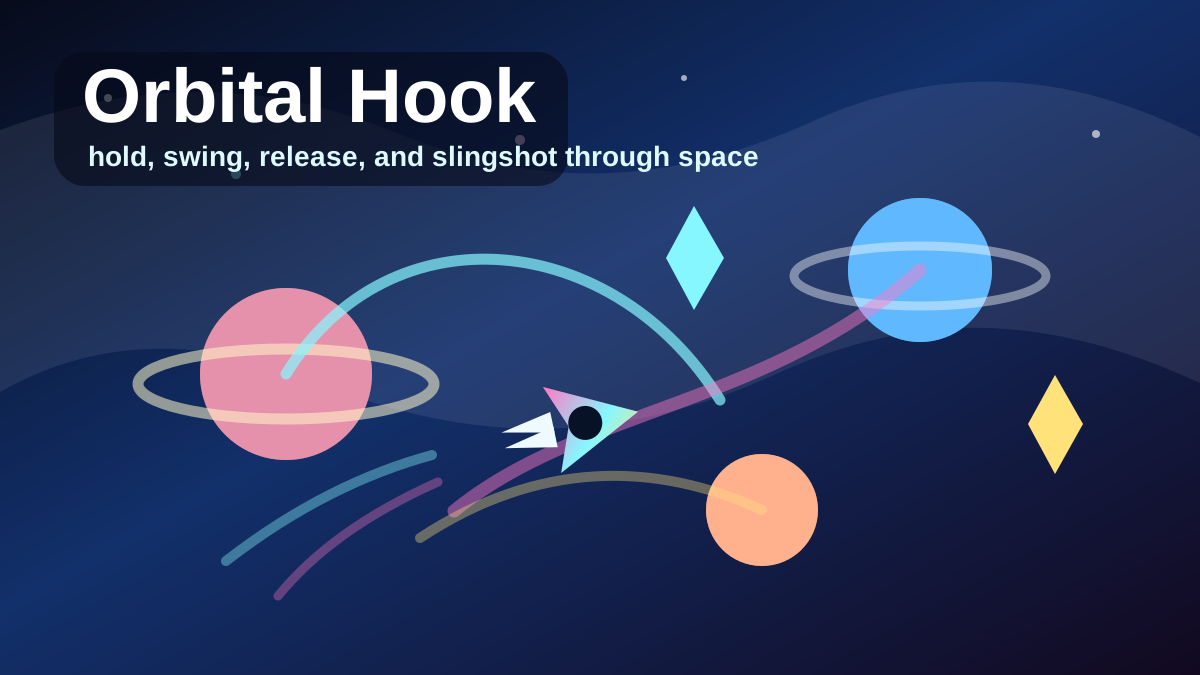
Orbital Hook
Play Orbital Hook, a one-touch space swinging game where you hook planets, release into slingshots, collect crystals, pass neon gates, and chase a long-distance high score.
Editor Pick
Racing
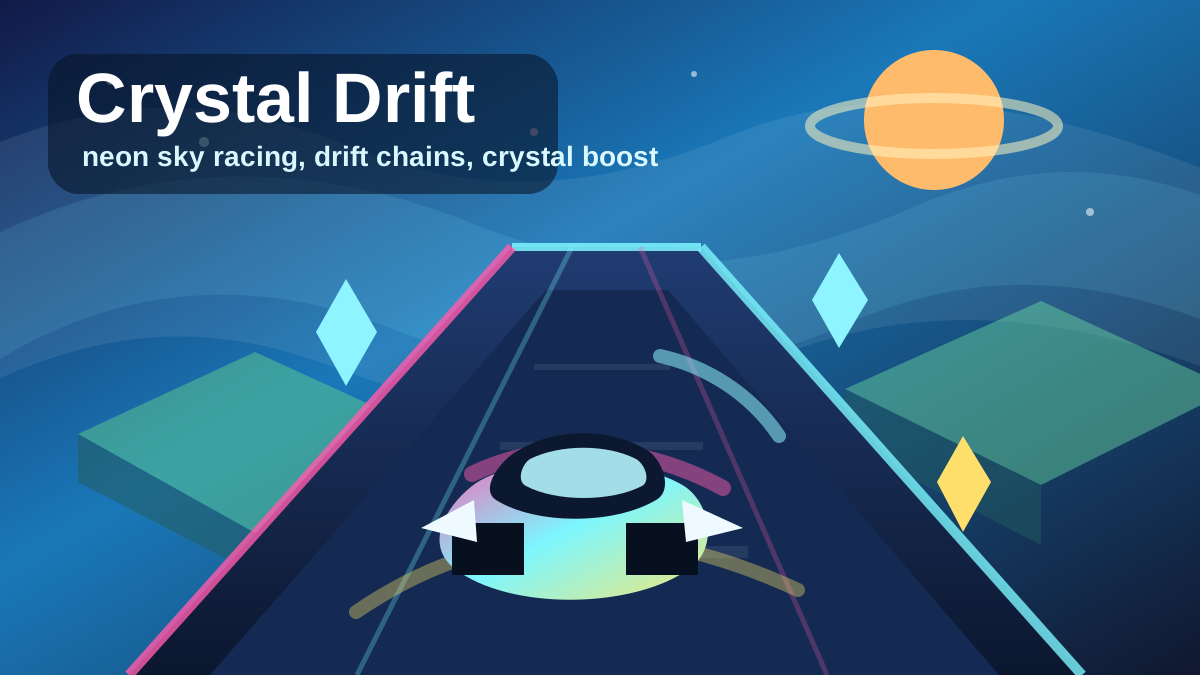
Crystal Drift: Sky Racer
Play Crystal Drift: Sky Racer, an original neon browser racing game where you drift across floating sky tracks, collect crystals, chain boost pads, and chase a 60-second high score.
Editor Pick
Action
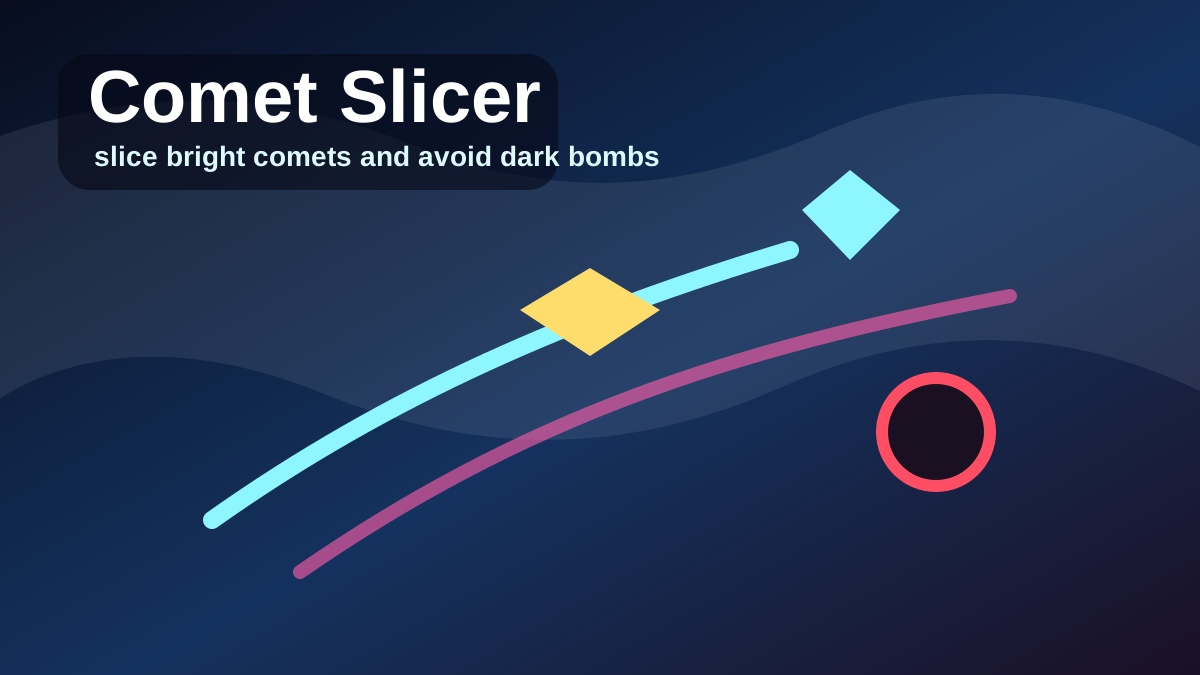
Comet Slicer
Play Comet Slicer, a fast cosmic slicing game where you cut bright comets, avoid dark bombs, build combo, and chase a sharp arcade high score.
Editor Pick
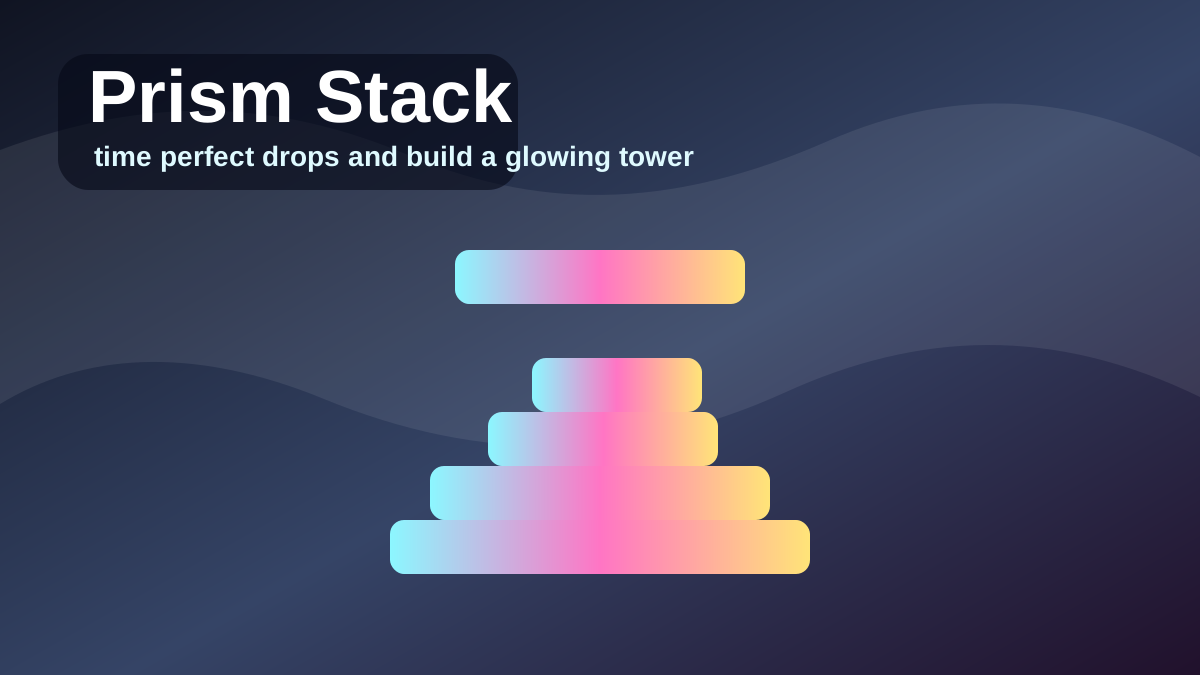
Puzzle
Prism Stack
Play Prism Stack, a one-tap precision tower game where you drop moving prism blocks, line up perfect stacks, and build a glowing high-score tower.
Editor Pick
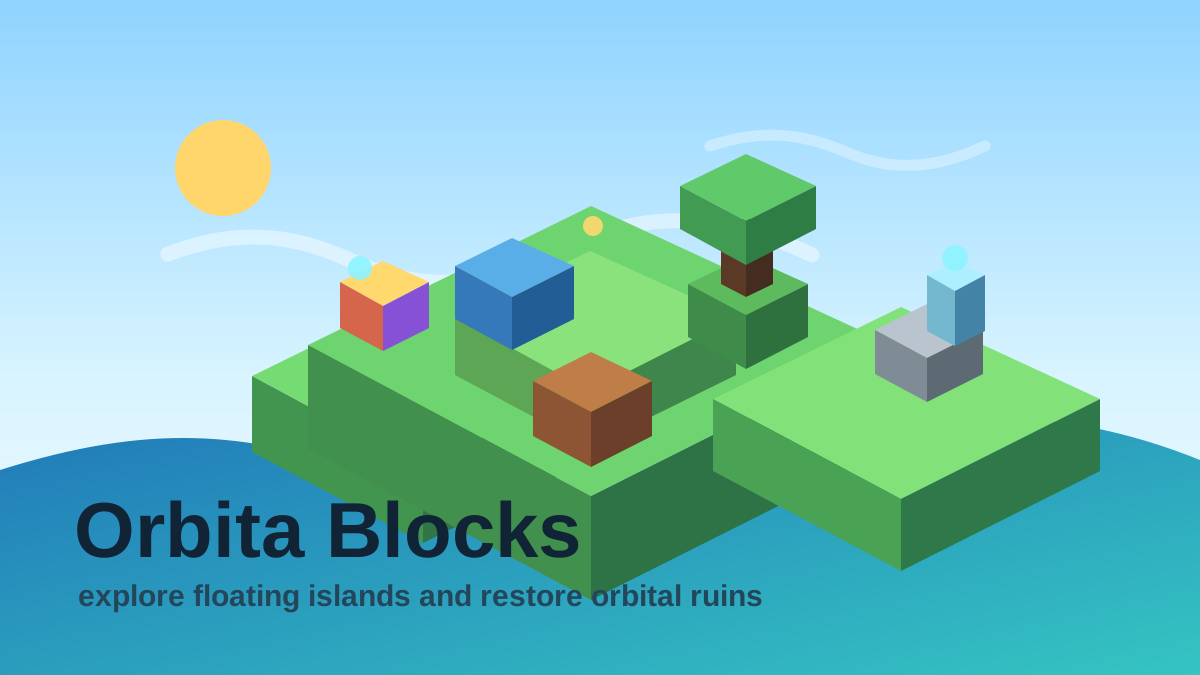
Simulation
Orbita Blocks
Play Orbita Blocks, an original voxel open-world sandbox with free movement, floating islands, sky bridges, ruin restoration, crystal energy, and an orbital beacon.
Editor Pick
FAQ
Common Questions
What is Neon Lane Rush?
Neon Lane Rush is an original three-lane reflex runner. You switch lanes to dodge red blocks and collect cyan gems for score and combo.
How do I control it?
Use A/D or the left and right arrows on desktop. On touch devices, tap to start and use quick lane-change gestures or buttons when available.
How do I score more?
Survive longer, collect gems, and avoid crashes. Gem pickups increase combo, which raises your score faster.
Should I always chase gems?
No. Gems are useful only when the lane is safe. A risky pickup can end the run and erase the value of the combo.
Why do I keep crashing?
Most crashes happen when you react to gems instead of reading red blocks first. Watch the hazard pattern before choosing a lane.