

Puzzle
Solitaire Classic
Sort the deck, build clean stacks, and work through a classic browser solitaire layout.
Mobile tip: Rotate to landscape before pressing play. Use Play Fullscreen if the game feels cramped.
Touch controls enabled
Drag to aim
Release to throw
Release to throw
Player Challenge
Try a Focused Run
Play Solitaire Classic for five focused minutes, then try one cleaner run with fewer mistakes.
Not completed yet.
Playability Check
How did this run feel?
One tap helps prioritize fixes for loading, controls, and speed.
Keep Playing
Recommended Next
A quick path into another run after this game.
Continue Playing
Recently Played
Jump back into games you opened recently on this device.
Open a few games and your recent history will show up here.
Why You'll Like Solitaire Classic
Solitaire Classic is the Klondike variant — the version Microsoft shipped on Windows 3.0 in 1990 to teach office workers how to use a mouse, written by intern Wes Cherry while he was at Microsoft. (He famously did not earn royalties on what became one of the most-played video games in history.) The variant itself is older — Klondike traces back to gold-rush-era Yukon, hence the name — but the digital cards-and-felt aesthetic, the reveal animation when you complete the foundations, and the muscle-memory most people have for moving cards from waste to tableau all come directly from that 1990 Windows build.
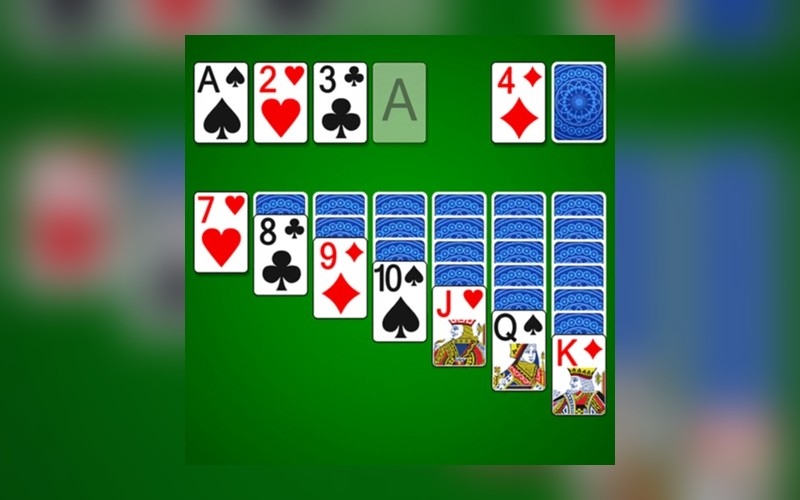
This browser implementation follows the standard Klondike deal: 28 cards arranged into seven tableau columns of increasing size (1, 2, 3, 4, 5, 6, 7), with only the topmost card of each column face-up. The remaining 24 cards form the stock pile. Click the stock to flip cards into the waste; the top of the waste is always the only stock card you can play. Cards move from waste or tableau onto either another tableau column (descending values, alternating colours: a black 7 onto a red 8) or onto one of the four foundation slots (ascending by suit, Ace through King). An empty tableau column can only be filled by a King or a stack starting with a King.
A few practical details specific to this build. There is an explicit Undo button — unlimited steps, all the way back to the deal — which the original Windows Solitaire did not have until later versions. Drag-and-drop works for moving stacks of multiple cards together; the underlying rule is that the moved sub-stack must already be in valid descending alternating-colour order. The deck is shuffled with a Fisher–Yates shuffle, and each deal is independent — there is no concept of ‘winnable deals only’ here, so roughly 1 in 6 deals is statistically unwinnable no matter how well you play. That is normal Klondike behaviour, not a bug.
Solitaire Classic is strongest when played as an information game. Every visible card, empty space, and forced move tells you what can happen next. Rather than clearing cards as soon as possible, the better approach is to preserve flexibility until a move clearly unlocks a new sequence or reduces future risk.
For players arriving from search, the practical question is how to make the next attempt better. In Solitaire Classic, that usually means focusing on information management, sequencing, and risk control. The more you understand that core loop, the less the game feels random and the more each restart becomes useful practice.
Strategy notes
Prioritize moves that reveal hidden cards, open columns, or improve your ability to reorganize later. If a move only looks tidy but blocks future movement, it is usually weaker than waiting.
How to Play
- The Goal: Move all 52 cards onto the four foundation slots (♥ ♦ ♣ ♠), each built up by suit from Ace to King.
- The Tableau: Build descending stacks of alternating colours in the seven columns — for example a red 7 onto a black 8, then a black 6 onto that red 7.
- The Stock: Click the face-down deck to flip cards onto the waste pile. The top waste card is the only one you can play from the stock.
- Empty Columns: An empty tableau column can only be filled by a King (alone or as the bottom of a moving stack).
- Undo: Press the Undo button to step back through any number of moves, all the way to the original deal if you want.
Tips and Strategy
- Reveal hidden information before making decorative moves.
- Keep flexible spaces open until they unlock a useful sequence.
- Do not move a card just because it can move; ask what it enables.
- Build toward stable sequences instead of isolated short-term gains.
- When choices look equal, prefer the move that leaves more legal options.
More Ways to Play
Browse Related Collections
Keep exploring by play style, controls, and search intent connected to Solitaire Classic.
Free Browser Games
Play free browser games that open directly in the page, with quick starts, clear categories, and no launcher required.
29 gamesNo Download Games
Find games you can play online without downloads, installs, app stores, or separate launchers.
29 gamesHTML5 Browser Games
Browse HTML5 browser games that run through modern web technology instead of plugins or native launchers.
29 gamesPuzzle Games Online
Play online puzzle games built around logic, numbers, words, matching, planning, and careful problem solving.
14 gamesKeep Exploring
Similar Games
Looking for more Puzzle games? These pages are the closest next clicks from here.
Puzzle
Sudoku Classic
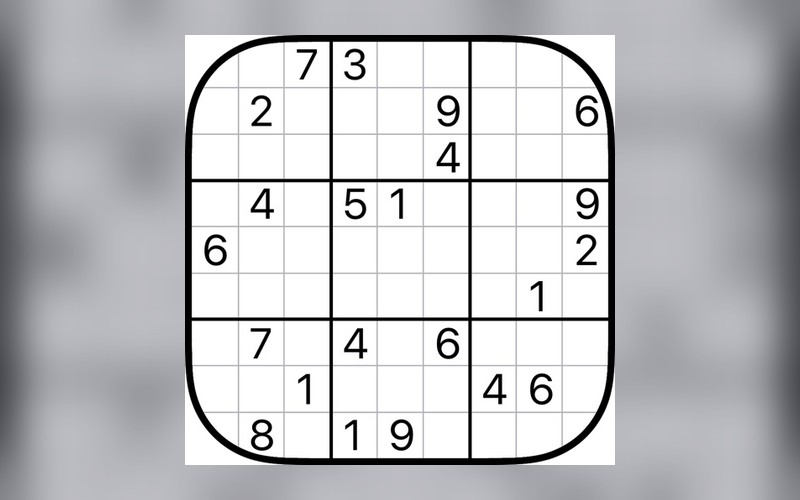
Fill the grid, test every number carefully, and solve a classic logic puzzle with clean deduction.
Editor Pick

Puzzle
Minesweeper Classic
Uncover safe squares, read the numbers, flag the mines, and clear the board without detonating anything.
Editor Pick
Puzzle
Tic-Tac-Toe Duel
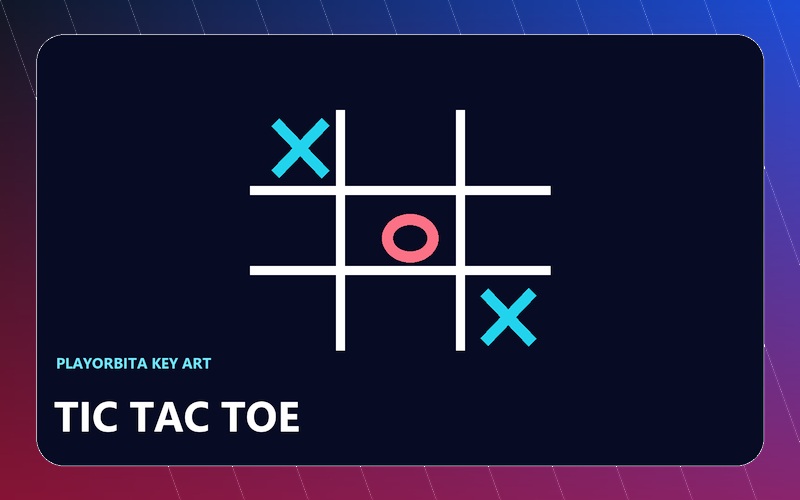
Claim the center, force the line, and finish a quick browser duel before the grid locks up.
Baseline Pass
Puzzle
Sokoban Puzzle
Push every crate onto its target square without getting stuck — each move matters and there is no pull.
Baseline Pass
Puzzle
Crossword Classic
Fill the crossword grid, solve clue by clue, and complete a classic browser word puzzle.
Baseline Pass

Strategy
Chess Classic
Play a full game of chess against the computer or a friend, right in your browser with no account needed.
Editor Pick
Community
Player Reviews
FAQ
Common Questions
Is every deal winnable?
No. This build deals from a freshly shuffled deck with no winnability filter, so roughly 1 in 6 deals is mathematically unwinnable regardless of how perfectly you play. Other apps cheat this by pre-filtering for solvable deals; this one does not. If a deal feels stuck and Undo cannot help, it probably is — start a new game.
How does the Undo button work?
Undo steps back through every move you have made this game, all the way to the initial deal if you keep pressing it. There is no fixed step limit. There is no Redo button, so once you Undo and then make a different move, the alternate timeline is gone.
Can I move multiple cards at once?
Yes. Drag from any face-up card in a tableau column and the entire stack below it moves with you, provided that sub-stack is already in valid descending alternating-colour order. So a stack of red-9 / black-8 / red-7 can move as a group onto a black-10.
Why can only Kings go into empty columns?
It is the standard Klondike rule, designed to balance the game — without it, empty columns would be too easy to use as temporary storage. The constraint is what makes uncovering Kings (and timing when to use them) one of the actual strategic choices in Klondike.
Is this the draw-1 or draw-3 version?
Draw-1 — every click on the stock flips a single card to the waste. Draw-3 (where the stock flips three cards at a time and you can only play the top one) is significantly harder; this build does not currently offer that variant.