

Puzzle
Astray WebGL
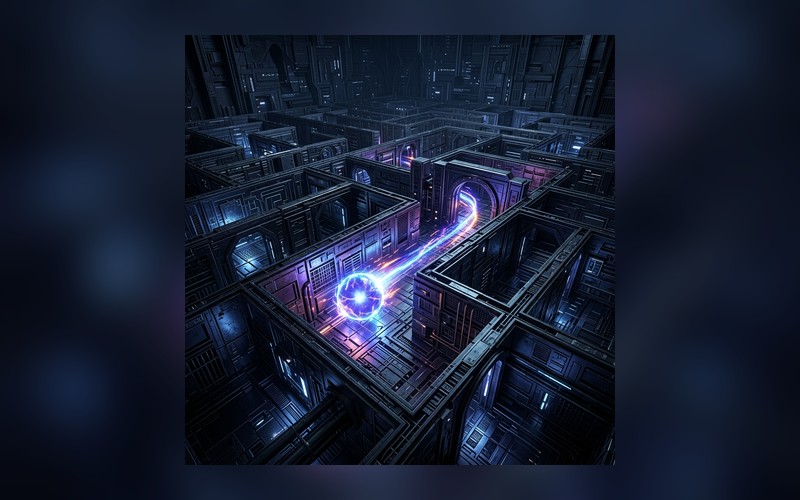
Play Astray WebGL online and navigate a dark 3D maze with only a narrow light cone, memory, and careful movement.
Mobile tip: Rotate to landscape before pressing play. Use Play Fullscreen if the game feels cramped.
Touch controls enabled
Drag to aim
Release to throw
Release to throw
Player Challenge
Try a Focused Run
Play Astray WebGL for five focused minutes, then try one cleaner run with fewer mistakes.
Not completed yet.
Playability Check
How did this run feel?
One tap helps prioritize fixes for loading, controls, and speed.
Keep Playing
Recommended Next
A quick path into another run after this game.
Next Game
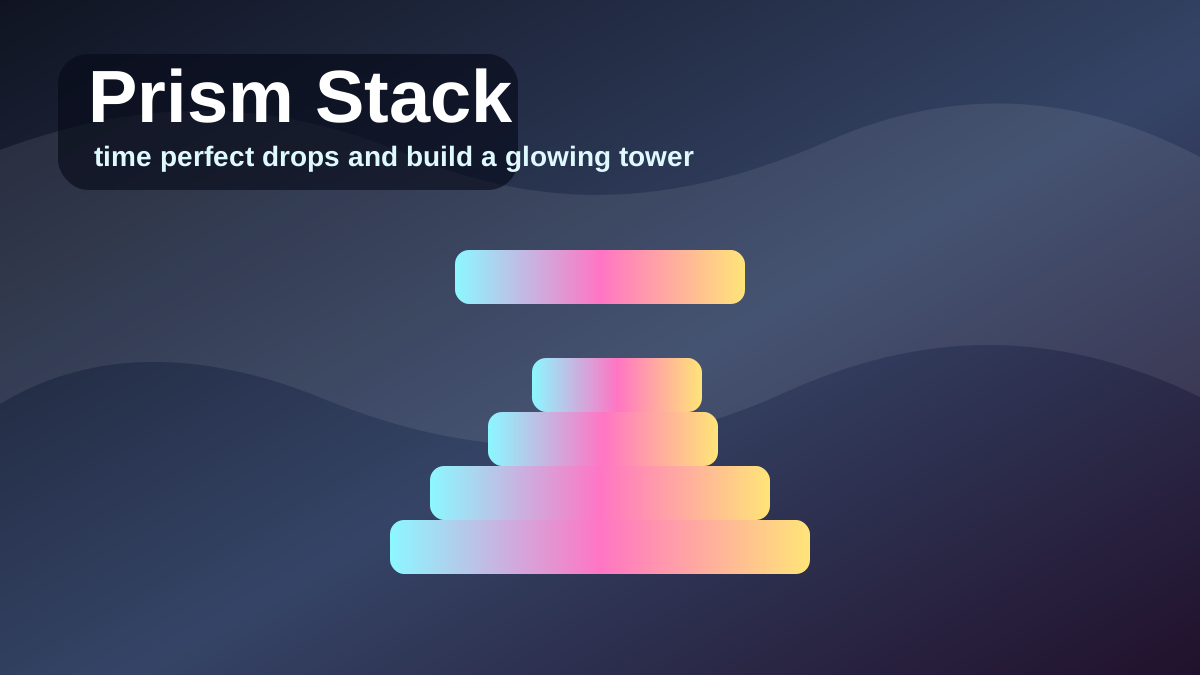
Prism Stack
Play Prism Stack, a one-tap precision tower game where you drop moving prism blocks, line up perfect stacks, and build a glowing high-score tower.
PuzzlePlayOrbita Daily
Moon Bubble Pop
Play Moon Bubble Pop for five focused minutes, then try one cleaner run with fewer mistakes.
Daily challengeContinue Playing
Recently Played
Jump back into games you opened recently on this device.
Open a few games and your recent history will show up here.
Why You'll Like Astray WebGL
Astray is a hauntingly atmospheric, top-down maze exploration game that leans heavily into suspense and spatial memory. You are dropped into a pitch-black labyrinth with only a narrow cone of light to guide your way. Your objective is to locate the exit hidden deep within the sprawling, twisting corridors before you lose your bearing—or encounter whatever lurks in the dark.
The game brilliantly weaponizes your own sense of direction. Without a mini-map, you must rely entirely on memorizing landmarks, dead ends, and the subtle ambient audio cues to navigate. It is centered on minimalist horror and tension, proving that you do not need complex graphics to induce a profound sense of claustrophobia and vulnerability.
Astray is especially relevant for WebGL maze and 3D maze game searches because the browser page highlights the two things players need before starting: movement controls and the importance of careful navigation. Treat the maze like a memory test, not a sprint, and each corridor becomes a clue instead of a blur.
WebGL maze control tips
In a 3D maze, control is mostly about camera discipline. Keep your light pointed where you are about to move, pause before intersections, and pick one wall-following rule when you lose orientation. If you turn too quickly, every corridor looks identical. Move in short bursts, mark dead ends mentally, and use repeated shapes as landmarks. The slower pace often gets you out faster because you stop revisiting the same loop.
How to stop getting lost
Pick a rule before panic starts. Following the left wall or right wall will not always be the fastest route, but it prevents random wandering. At every intersection, pause long enough to remember which corridor you entered from. Dead ends are useful information: turn around, mark that branch mentally, and avoid rechecking it unless a key or door changes the route.
How to Play
- Movement: Use the WASD keys or the Arrow keys to walk through the maze.
- Vision: Move your mouse to rotate your character and aim your flashlight. You can only see objects illuminated by your light cone.
- The Objective: Find the glowing exit portal to escape the current maze and progress to the next, larger level.
- Interaction: Walk over keys or specific pressure plates to unlock barricaded doors obstructing your path.
Tips and Strategy
- Move slowly around corners so you do not lose your sense of direction.
- Pause at intersections and choose a route before turning the camera.
- Use visible landmarks and dead ends as mental checkpoints while you search for the exit.
- Keep the light aimed ahead of your movement, not behind you.
- If you feel lost, trace one wall consistently until the maze opens into a familiar route.
More Ways to Play
Browse Related Collections
Keep exploring by play style, controls, and search intent connected to Astray WebGL.
Free Browser Games
Play free browser games that open directly in the page, with quick starts, clear categories, and no launcher required.
29 gamesNo Download Games
Find games you can play online without downloads, installs, app stores, or separate launchers.
29 gamesHTML5 Browser Games
Browse HTML5 browser games that run through modern web technology instead of plugins or native launchers.
29 gamesPuzzle Games Online
Play online puzzle games built around logic, numbers, words, matching, planning, and careful problem solving.
14 gamesKeep Exploring
Similar Games
Looking for more Puzzle games? These pages are the closest next clicks from here.
Puzzle
Prism Stack
Play Prism Stack, a one-tap precision tower game where you drop moving prism blocks, line up perfect stacks, and build a glowing high-score tower.
Editor Pick
Puzzle
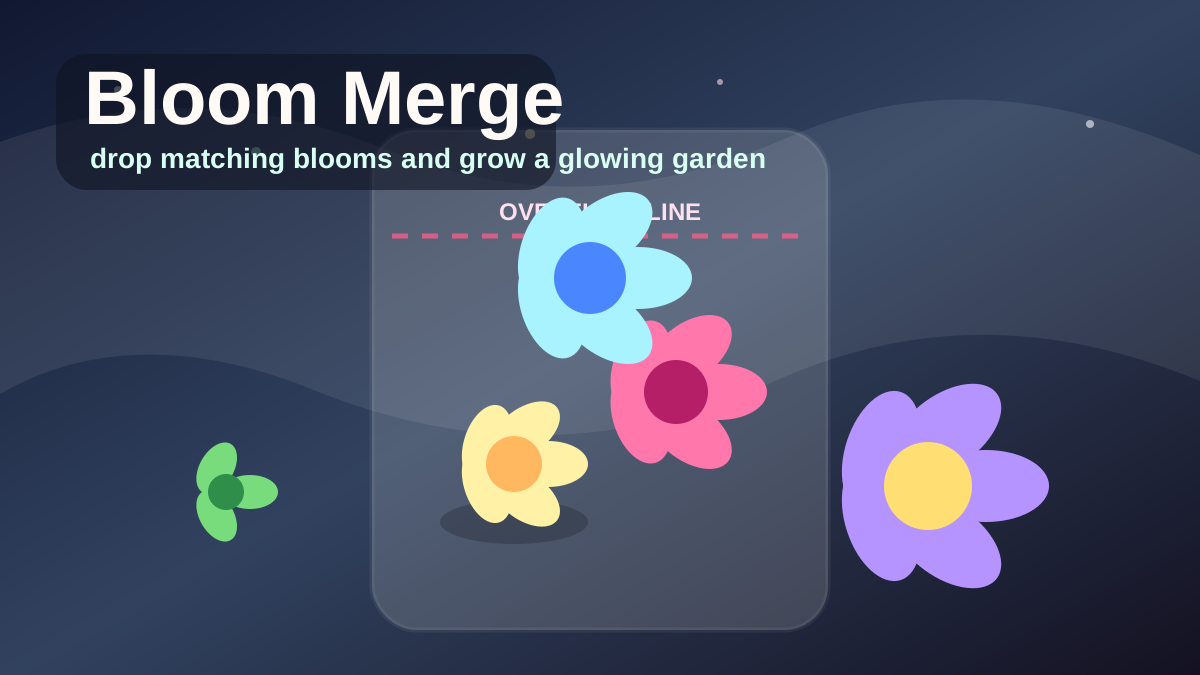
Bloom Merge
Play Bloom Merge, a cozy merge drop browser game where you drop matching blooms, grow rarer flowers, manage the overflow line, and chase a glowing garden high score.
Editor Pick

Simulation
Orbita Blocks
Play Orbita Blocks, an original voxel open-world sandbox with free movement, floating islands, sky bridges, ruin restoration, crystal energy, and an orbital beacon.
Editor Pick
Racing
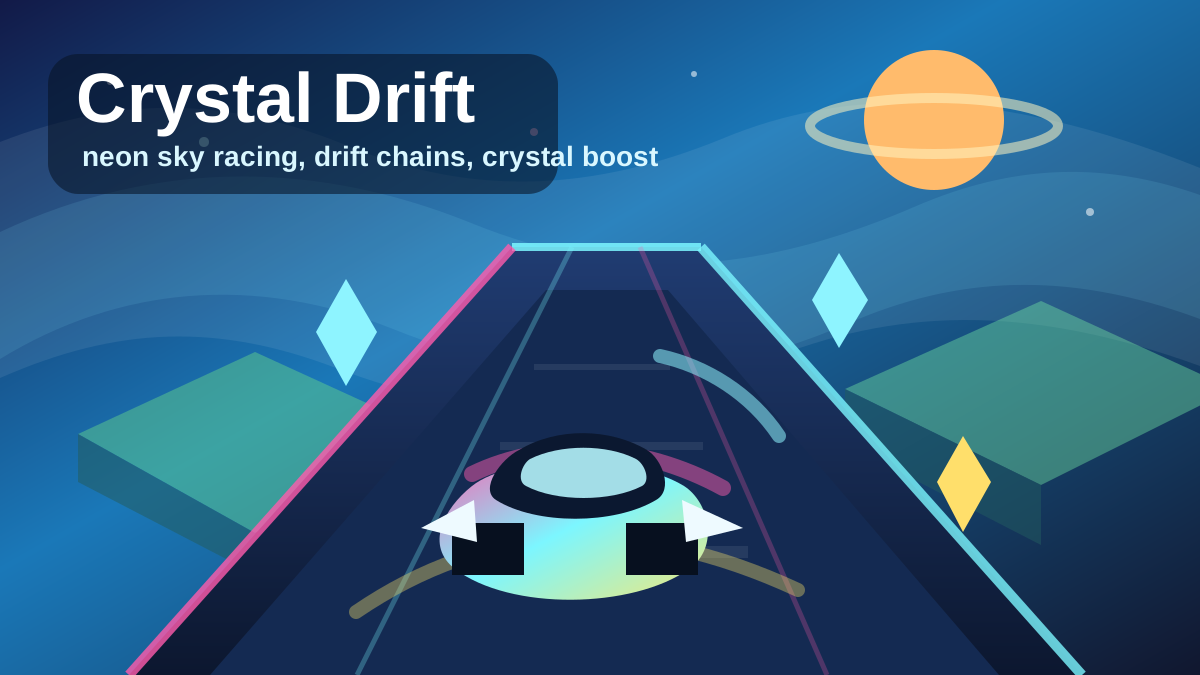
Crystal Drift: Sky Racer
Play Crystal Drift: Sky Racer, an original neon browser racing game where you drift across floating sky tracks, collect crystals, chain boost pads, and chase a 60-second high score.
Editor Pick

Puzzle
Moon Bubble Pop
Play Moon Bubble Pop, a colorful focus game where you pop only the target bubble color, protect your combo, and chase a clean high-score run.
Editor Pick
Puzzle
2048
Play 2048 for free. Get ready for an intense puzzle experience right in your browser.
Editor Pick
Community
Player Reviews
FAQ
Common Questions
Can I play Astray WebGL online?
Yes. Astray WebGL runs in a modern browser on PlayOrbita, so you can explore the maze without downloading a separate game client.
What are the controls for Astray?
Use WASD or the Arrow keys to move, then aim the light with your mouse so you can read the maze before stepping forward.
Is Astray a horror game?
Astray is more atmospheric and suspenseful than action-heavy. The tension comes from limited vision, dark corridors, and getting lost in the maze.
Does Astray need WebGL?
Yes. Astray uses WebGL for its browser graphics, so it works best in an up-to-date desktop browser with hardware acceleration enabled.
How do I avoid getting lost in Astray?
Move slowly, choose one wall-following rule, and pause at intersections before turning the camera so corridors do not blur together.
Is Astray better on desktop?
Yes. Keyboard movement plus mouse camera control makes the maze easier to read than on a small touch screen.